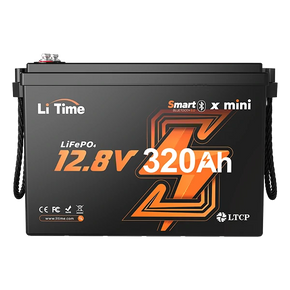


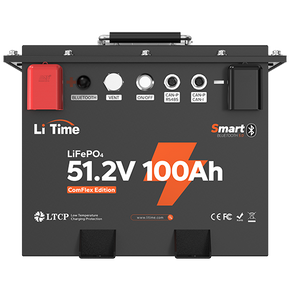


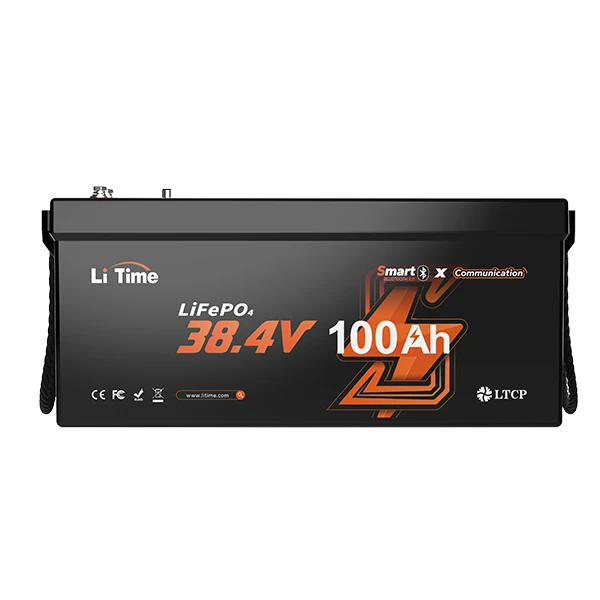
LiTime Bluetooth Lithium Batteries
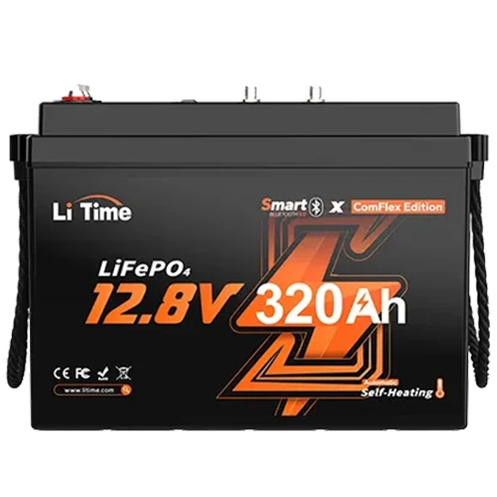
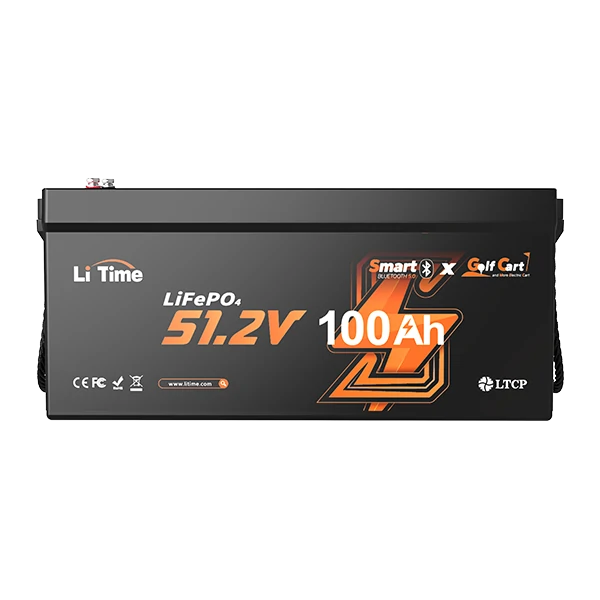
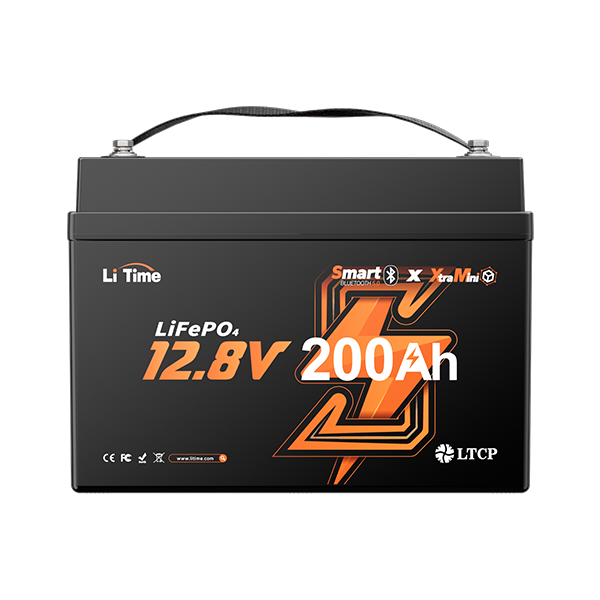
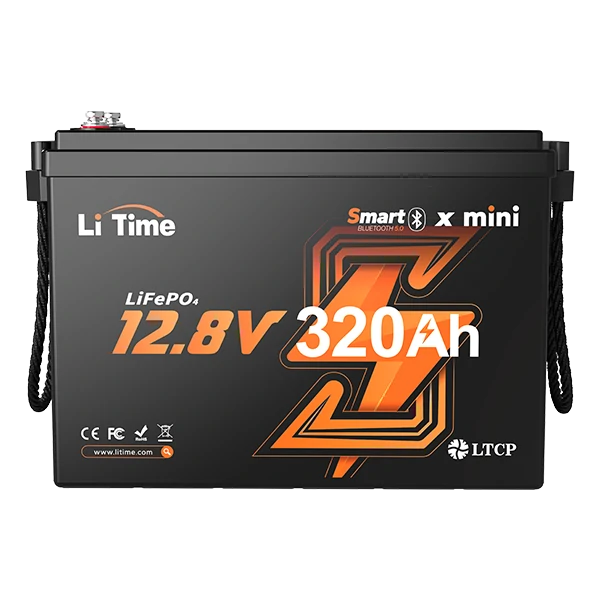
Explore LiTime’s bluetooth battery series—smart bluetooth lithium battery options in 12V, 24V, 36V & 48V (30Ah–320Ah). Connect to the LiTime App for real-time monitoring and quick access to key performance data anywhere you go. Shop now!


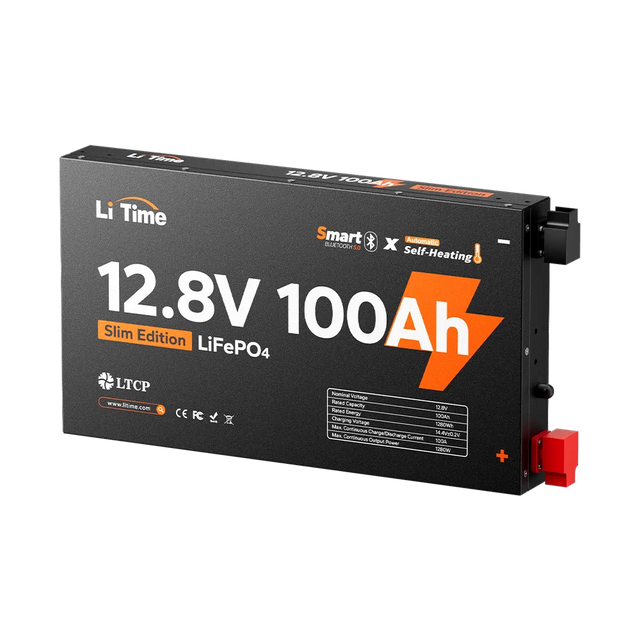


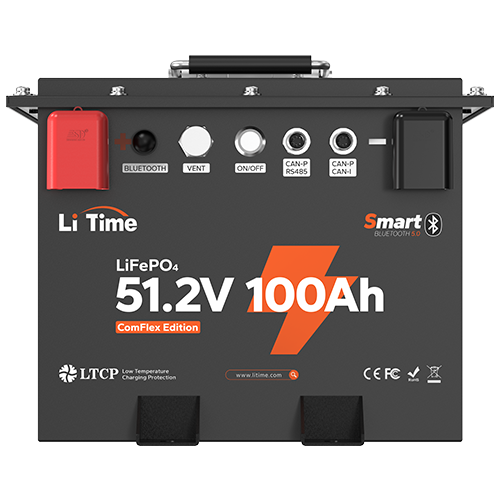


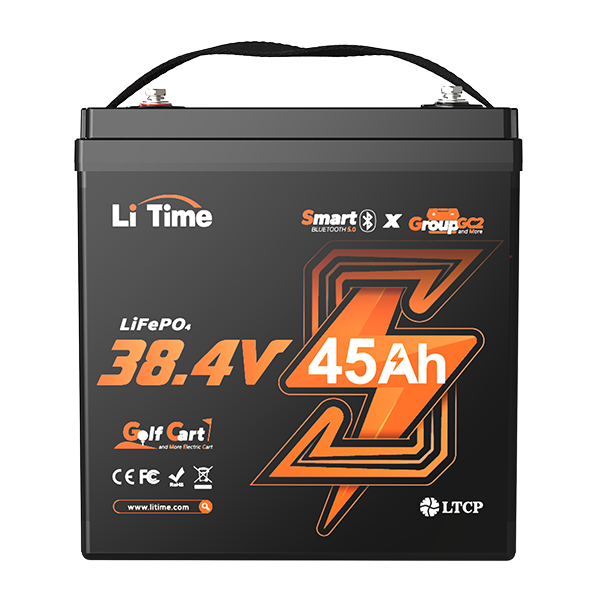

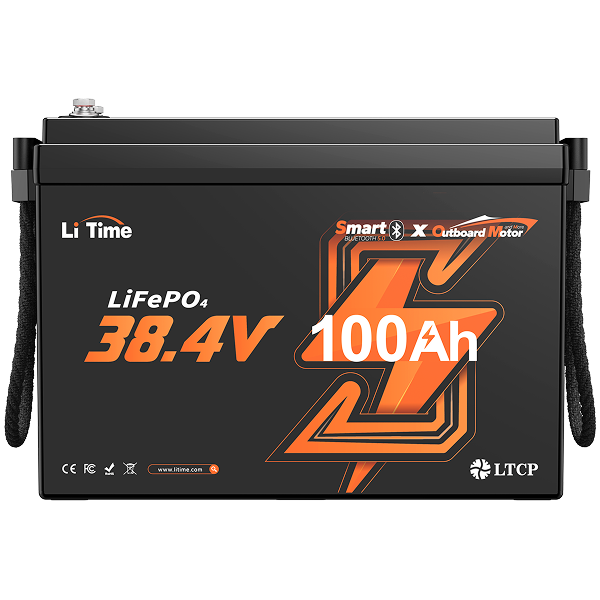








FAQ
Where can I download the LiTime App?
LiTime App is free to download from both the Apple App Store (for iOS devices) and Google Play Store (for Android devices). You can also learn more about LiTime App and download the APP by scanning the QR code.
Does bluetooth drain lithium battery?
Yes, but usually only a tiny amount: the lithium battery’s Bluetooth/BMS draws a small standby current (often a few mA), so short-term impact is negligible, but over weeks or months it can slowly reduce charge—turn Bluetooth off and disconnect loads for long-term storage.
How do I enable the Bluetooth function after receiving LiTime Bluetooth lithium battery?
- For first-time use or after shutdown, connect the battery to a LiFePO4 charger or an MPPT (with lithium activation) for 3-10 seconds. This will power on the battery and enable Bluetooth. If you don't have a compatible charger, please make sure to purchase a charger or MPPT together with the Bluetooth battery.
- All LiTime chargers and MPPTs come with lithium battery activation functionality.
- Note: To ensure safe transportation, Bluetooth batteries with <100Ah amp-hour capacity are shipped in a shutdown state.
What information does LiTime Bluetooth battery app display?
The battery details page shows the following information:
1. Real-Time Data: Remaining battery capacity, power, current, voltage, cell temperature, and battery life cycles, etc.
2. Battery Status Monitoring: The app monitors the battery's working state, including standby, charging, and discharging. During charging or discharging, the estimated time for completion is displayed. During discharge, power and current values are shown with a negative sign to indicate the discharge state.
3. Battery Control: Allows control of the battery discharge switch and turning off the battery.
4. OTA Upgrade: Remotely updates the battery management system to optimize battery performance without disassembling the device, enhancing the user experience.
Can the app display information for the entire system in series or parallel configurations?
Yes, it can.
When accessing the battery system details page, the app automatically collects and summarizes information from all batteries within the system. It displays comprehensive system data, including system voltage, current, power, and remaining battery system capacity in real time.
⚠️ Critical Connection Requirements
To ensure safety, performance, and longevity, all batteries in a connected bank must meet these conditions:
- Identical Model: Use the exact same battery model (e.g., LiTime 12V 100Ah) with the same capacity (Ah) and BMS rating (A).
- Same Brand: Never mix batteries from different brands. Each brand uses a unique Battery Management System (BMS) that is not compatible with others.
- Recent Purchase: The batteries should be purchased close together, ideally within one month, to ensure they are from the same manufacturing batch for balanced performance.
- Voltage Matched: Before connecting, ensure all batteries are fully charged and their voltages are balanced to within 0.1V of each other. This prevents large inrush currents that can damage the batteries.
Read on Cautions to Notice When Connecting Batteries in Series or Parallel Guide for more detailed information.
Can the battery system management monitor the status of individual batteries?
Yes, it can.
During the data retrieval process, the status of each individual battery within the system is displayed in the upper right corner of the battery card with the following indicators:
Green Dot: Indicates that the battery status and data are normal. You can click on the battery card to view detailed information about that specific battery.
Red/Orange Dot: Indicates an abnormal battery status, but data can still be retrieved. Clicking on the battery card provides detailed information about the issue.
Exclamation Mark: Indicates an issue with retrieving battery information, possibly due to Bluetooth connection problems. You can click on the battery card for troubleshooting guidance.
Will the Bluetooth automatically reconnect?
Yes, it will.
If the Bluetooth connection is lost due to distance (approximately 10 meters under ideal conditions, though actual range may vary depending on the environment), the app will attempt to reconnect automatically when the phone moves back within communication range.
Can I add LiTime Bluetooth battery to the app without an internet connection?
Yes, you can.
When there is no internet connection, a screen prompting you to enter the SN code (visible on the battery) will appear. Enter the SN code to complete the device addition process.
The NO.1 LiFePO4 Battery Brand
16 Years of Innovation and Expertise in the #1 LiFePO4 Battery


